


Designed for effective team management, you can gather and analyse team performance data. It supports ratings and detailed feedback, promoting informed evaluations and accountability within your team.
Role Required
The user receiving the rating must have the designated ‘Staff’ role configured in your dashboard; otherwise, they will be ineligible to receive feedback submissions.
Feedback ConfigurationCopy link to section
- Navigate to the Boomerang dashboard and locate the Feedback plugin on the overview page. Click “Enable” to activate it.
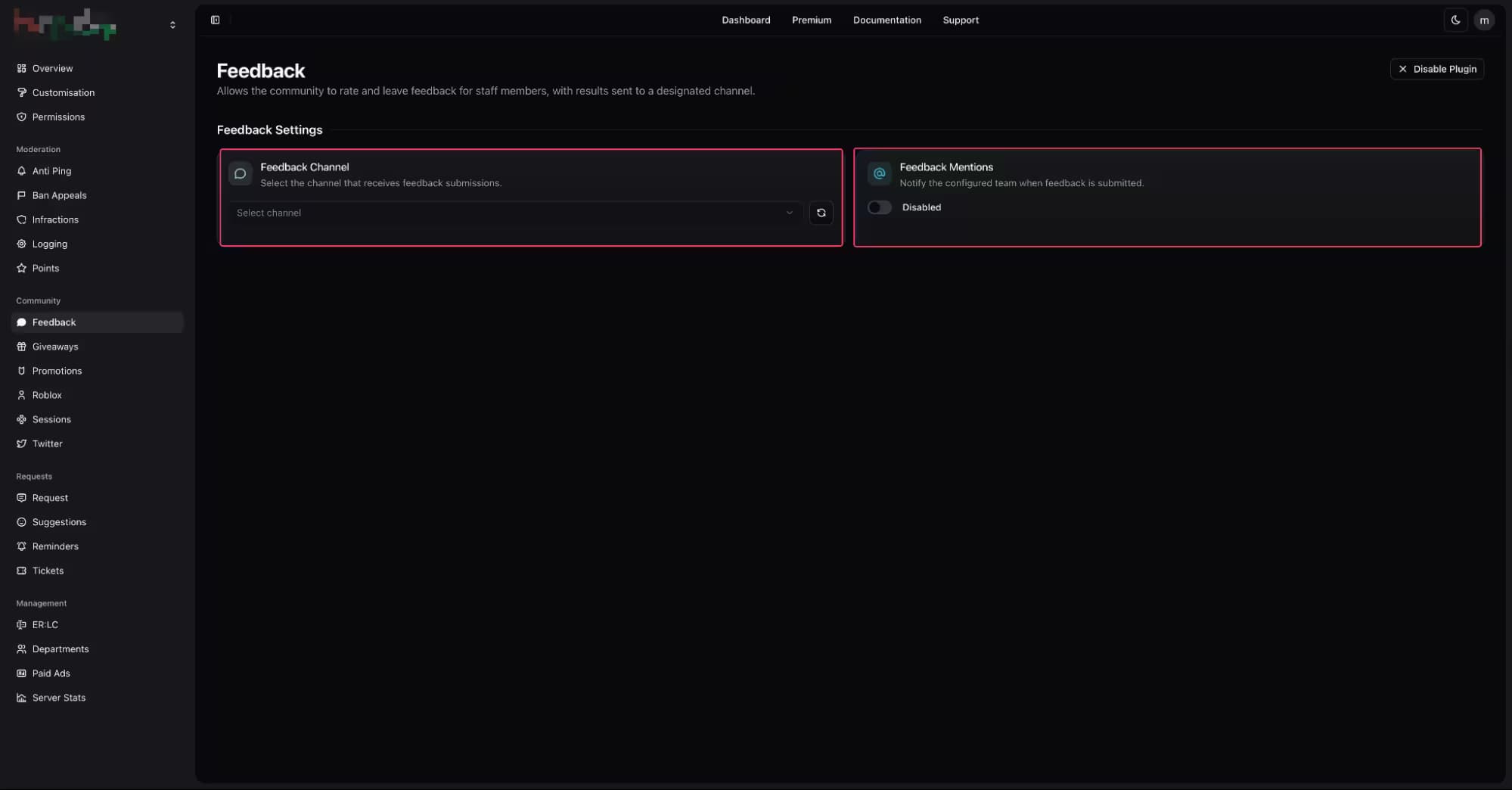
- Once enabled, open the plugin’s settings by selecting “Configure” from the overview page or by navigating directly to the Feedback page within the dashboard.
| Customisation | Description |
|---|---|
| Feedback Channel | The feedback channel is the centralised location for collecting and reviewing all staff feedback. |
| Feedback Mention | Specify whether the staff member should be notified when a submission is submitted. |
Feedback CommandsCopy link to section
| Command | Description |
|---|---|
/feedback rate | Submit a staff feedback to a staff member. |
/feedback view | View all feedback created by users' to the selected staff member. |
/feedback void | Void an active feedback from a staff member. |